If your business uses VoIP or a cloud phone system, an internet outage can affect far more than web browsing. Desk phones may lose their connection, staff may be unable to make normal outbound calls, and incoming calls may need to be redirected elsewhere. The important point is that an internet failure does not have to make your business unreachable.
The right response is not simply to buy the most expensive broadband connection. A resilient setup combines sensible connectivity, correctly configured call routing and a tested contingency plan. This guide explains what actually happens when broadband fails, which backup options are useful, and where the limitations are.
What Happens to VoIP When the Internet Goes Down?
A VoIP phone system sends voice traffic using an IP network. In a cloud phone system, the call-control platform is normally hosted away from your premises, while your desk phones, computers or other endpoints connect to it through your internet connection.
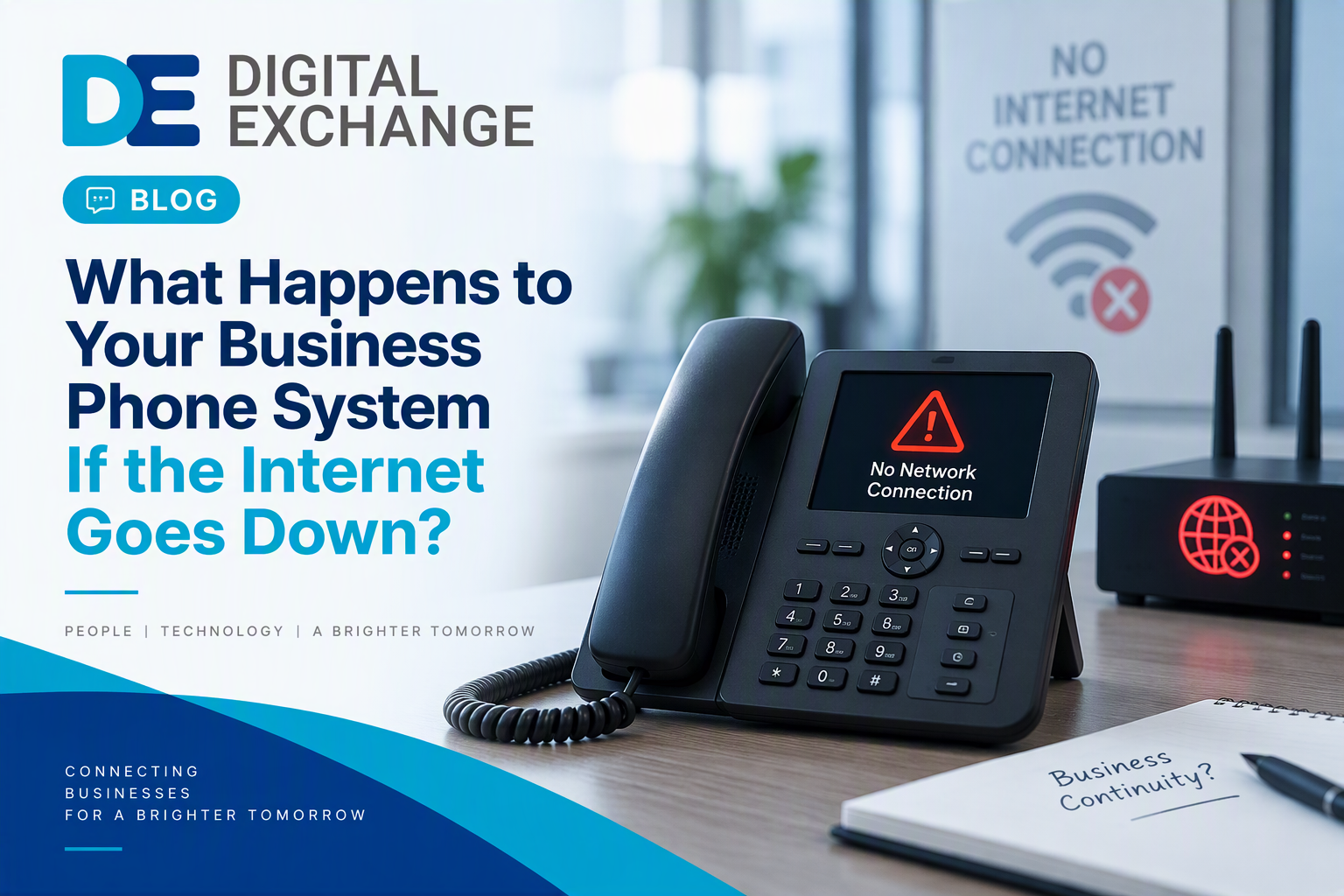
If the office broadband connection fails but the building still has electricity, the local devices can remain powered but lose their route to the hosted phone service. That can stop desk phones from registering and prevent normal calls through that connection.
Incoming Calls May Still Be Recoverable
An outage at your office does not necessarily mean the telephone number itself has stopped working. With a hosted service, call routing may take place before a call ever reaches your premises. If suitable rules have been configured, incoming calls can potentially be diverted to mobiles, another site, voicemail or another working endpoint.
Mobile Apps Can Provide Another Route
A staff member using a VoIP or cloud-phone app on a mobile may still be able to use the service over mobile data, depending on the phone platform and its configuration. That makes mobile working a useful contingency, but it should be tested rather than assumed.
If you are considering a hosted setup, our guide to what a cloud phone system is explains how the underlying model works.
Internet Outage vs Power Cut: They Are Different Problems
All experts correctly separate broadband failure from power failure, but this distinction deserves more emphasis. During an internet outage, your router and phones may still have power. During a power cut, the router, fibre equipment, network switches and powered desk phones can all stop unless backup power is available.
This matters because adding a second broadband circuit does not solve a power problem. Likewise, fitting a UPS does not help if the only internet circuit has failed upstream.
Emergency Calling Needs Particular Attention
Ofcom warns that access to emergency organisations using VoIP may cease during a power failure or a failure of the internet connection on which the service relies. Providers have regulatory obligations around emergency access, but businesses should still understand exactly how their own service behaves and what backup arrangements apply.
Ofcom’s guidance on emergency access during power cuts is worth reading when planning any move from traditional telephony to an IP-based service.
How Call Forwarding Can Keep Customers Reaching You
Call forwarding is one of the simplest resilience measures because it addresses the customer-facing problem directly: people can still reach the business even if the office cannot receive calls normally.
Preconfigure the Rules Before an Outage
Do not wait until broadband has failed to work out how diversion works. Decide which numbers should route to which people or teams, what should happen outside business hours, and what happens if the first destination does not answer.
For example, the main sales number could divert to nominated mobiles while support calls go to a different group. Another option is to route unanswered calls to voicemail, provided staff can access those messages independently of the failed office connection.
Do Not Assume Failover Is Automatic
Automatic mobile failover is not a universal feature of every VoIP package, and it is not necessarily free. The available routing rules, triggers and charges depend on the phone service. Ask what happens to inbound and outbound calls if your premises becomes unreachable, then test the answer.
If you are comparing systems, see Digital Exchange’s VoIP telephone systems page for the wider business-phone options.
Would Backup Internet Keep the Full Phone System Working?
Potentially, yes. Instead of diverting calls away from the office, a secondary internet connection can give compatible network equipment another route to the cloud phone platform.
4G or 5G Backup
Mobile connectivity can provide a practical backup for many SMEs. A compatible router or firewall can switch traffic to a mobile connection when the fixed service fails. Capacity, signal quality and configuration still matter, particularly if the backup must support voice alongside other business applications.
A Second Fixed Connection
Businesses with a low tolerance for disruption may use two internet connections. The important point here is that two contracts do not automatically equal genuine resilience. If both services ultimately depend on the same physical route, duct, exchange equipment or local power, a single incident could affect both.
Leased Line Plus Backup
A leased line can provide dedicated business connectivity and contractual service commitments, but no single connection removes every outage risk. A business that genuinely cannot tolerate lost communications should consider the whole design rather than treating a leased line as infallible.
Our business broadband failover guide looks at backup connectivity in more detail.
What About an On-Premises Phone System?
An on-premises PBX can behave differently because some of the phone-system intelligence is located in your building. Whether internal extensions continue to work during an internet failure depends on the system, while external calling may rely on SIP trunks or other connectivity.
Power resilience also becomes important. A UPS can keep selected equipment running for a limited period, but runtime depends on the battery capacity and the equipment connected to it. Aiming universally for one hour is too prescriptive; the appropriate runtime should come from your business continuity requirement and actual electrical load.
List Every Device the Phone Service Depends On
A useful exercise is to trace the whole path: broadband termination equipment, router or firewall, switches, PBX where applicable, wireless access points and handsets. Protecting one device while another dependency loses power can still leave the service unavailable.
What Does a Sensible Outage Plan Look Like?
The best plan starts with the business requirement rather than the technology. Ask how long the organisation could realistically operate without its normal phone service and which calls are genuinely critical.
Set a Recovery Objective
A small office that receives a handful of calls may accept manual diversion after an outage is noticed. A contact-heavy operation may need automatic routing or a secondary connection that takes over rapidly. There is no single correct design for every SME.
Give People Clear Responsibilities
Document who checks whether the problem is local or provider-side, who contacts support, who activates any manual diversion and how staff and customers will be updated. Keep the instructions somewhere that remains accessible if the office internet is unavailable.
The National Cyber Security Centre recommends business continuity and recovery planning that identifies critical resources and tests whether recovery arrangements work. Its resilient networks and systems guidance also highlights testing failover rather than merely assuming it will work.
Test the Failure, Not Just the Normal Service
A useful resilience test deliberately disconnects the primary broadband connection and checks what happens. Do desk phones recover through the backup? Do incoming calls divert correctly? Can staff make outbound calls? Can the person responsible access the provider portal without the office connection? Record any failures and retest after changes.
When Is a Stronger Broadband SLA Worth Considering?
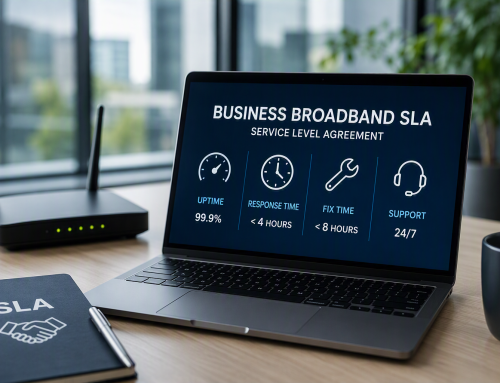
A stronger service level agreement can reduce operational risk by setting contractual targets around support and restoration, but an SLA is not the same as uninterrupted service. It tells you what the provider commits to when something goes wrong; it does not prevent the fault from happening.
That is why an SLA and failover solve different problems. If losing phones for even a short period would be commercially serious, a backup route may matter as much as the repair commitment on the primary connection. Read our business broadband SLA guide before comparing headline promises.
Common Business Phone Resilience Mistakes
Relying on One Route
A single broadband connection creates an obvious dependency. That may be perfectly acceptable for a small business where calls can temporarily move to mobiles, but it should be a conscious decision rather than an overlooked risk.
Buying Backup Connectivity but Never Testing It
A second circuit is not useful if the router does not switch correctly, the VoIP service cannot register through it or nobody knows how to activate it. Testing is part of the solution.
Confusing an SLA with Failover
A four-hour repair target, for example, does not mean four hours without business impact is acceptable. If the business needs continuity within minutes, design for continuity within minutes.
Ignoring Power
Cloud telephony still depends on powered equipment at the premises. Broadband failover without suitable power planning can leave a significant gap.
A Practical Business Phone Outage Checklist
- Confirm what happens to incoming calls when the office internet connection fails.
- Configure call forwarding or alternative routing before it is needed.
- Check whether staff can use the phone service through mobile data.
- Decide whether 4G/5G or a second fixed connection is justified.
- Identify every powered network device required for the phone service.
- Review emergency-calling arrangements and provider guidance.
- Document provider(s) contact details and internal responsibilities.
- Test failover periodically and after significant network or phone-system changes.
Speak to Digital Exchange
If your business depends on its phones, resilience should be designed before the first outage rather than improvised during one. Digital Exchange can help you review the relationship between your phone system, broadband connection and backup options, then decide what level of protection is proportionate to the way you work.
For businesses planning an upgrade, request pricing from Digital Exchange or use the contact page to discuss your current setup.